Week 1
Practice Lecture 1: Publishing Multiplatform
Alec Dudson @ThisIsIntern
Key points taken from this lecture were as follows:
- Becoming a Storyteller, I believe just like Alec that this is one of my main roles as a graphic designer is to tell the audience through my designs what is the story is all about and use this for good causes.
- Having an Entrepreneurial idea and going with it. Exactly what I have done a few years ago with my partner (and friend) by opening an agency together. I still have that in me but hopefully in another market.
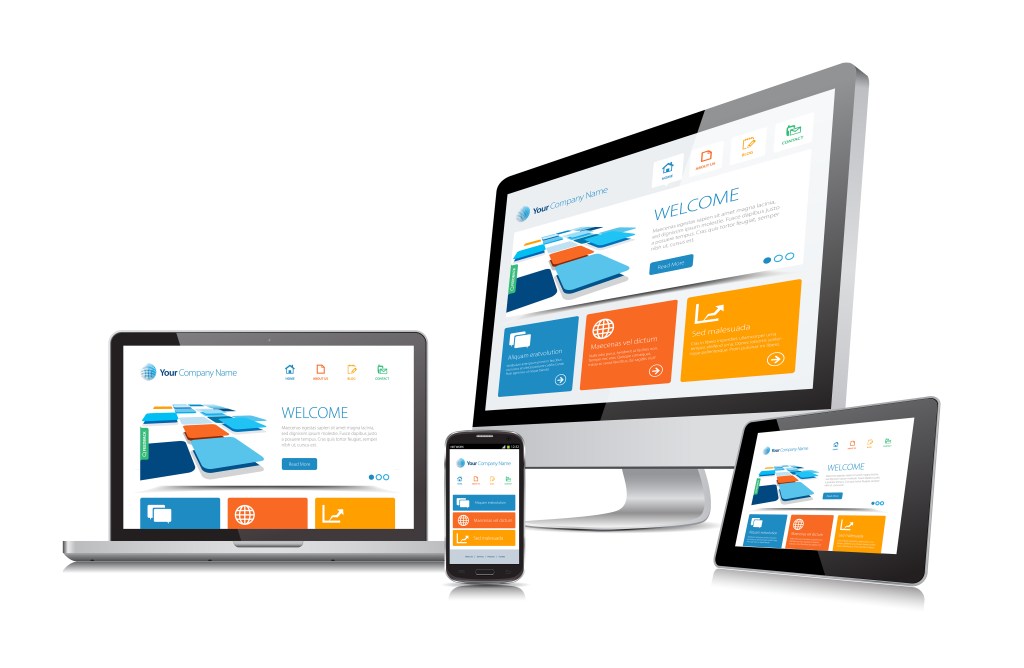
- Considering multiple platforms in your design is key and having an adaptive design reflected for desktop, mobile and tablet is crucial in UX design which is a point of interest.
- Considering Diversity & Inclusion (D&I) in my design plan is very important as products/services need to cater to everyone.
- Considering a range of prices/packages is also important for the idea that I have in mind for my project.
Question options:
- How do you develop a digital tool, process, experience or artefact to aid the collaboration for future working?
- How can the work of agencies & studios be enhanced for better future working?
- How do you develop a digital tool to aid the flow of work and collaboration between agencies and agency members?
- How do you develop a digital tool, process, and experience to aid the collaboration within agencies for future working?
The Idea
It is a new digital interface used internally by agencies to coordinate and organize the flow of jobs and at the same time reduce redundant design work. Available as an app and web- based. It is a hub that collects everything under one tool to be used by different members of the agency to access relevant menu options. Designers usually have multiple tabs open, are looking for an image in a folder, having to look for guidelines for a specific client, having multiple software open (i.e. music, email, video calls, etc.) and the list goes on. All of these make the design work very redundant and unorganized. The Creative Digital Toolbox is the one solution that embeds all the above requirements under one hub via cloud for easier access, anytime and anywhere. Your dashboard is your world for a better efficient way of working and organizing your work and meeting your deadlines.
So how does it benefit the various users at an agency?
Client Servicing
Find it easy to conduct virtual meetings with their clients to brainstorm and propose ideas with the aid of the creative team in order to move forward quickly and deliver efficiently on major campaigns and projects.
Production Managers
Suppliers can be accessed with a click of a button and their existing and new work can be seen to aid projects (i.e. production rate cards, photographers, model agencies, make-up artists, prop managers, etc.)
Traffic Managers
It provides an ease of mind rather than running around the agency after all jobs and organizing who’s working on what and at what stage. It makes assigning jobs and job status updates available on a dashboard.
Creative (designers & art directors)
Have access to the most important tools to work on any assigned client (the brand guidelines and templates) and working with other designers across various countries for global clients. Ideation and collaboration have never been easier with the aid of brainstorming rooms.
Clients
By invitation only can brainstorm with the agency and view creative concept options.
How might I…? Digital interface, responsive design
Who is this for? Agencies & studios (global & local ones), agency members (creatives, traffic, accounts, planning, and production).
What ethical considerations might I have to make?
Privacy between users, encrypted communication between meetings and chats (internally & externally)
What experts can I connect with?
Alec Dudson – Founder at Intern
Issam Kerriou – Ex-Creative Director/Colleague/Friend
Bashar Daas – Creative Director & Partner at From6
Competition:
https://www.workflowmax.com/agency-project-management-software
https://slackdemo.com/
Week 2

Theory Lecture 4: Business Plan
Alec Dudson @ThisIsIntern
Key points taken from this lecture were as follows:
- For my project, I would like to launch a business product for agencies, create and design it, and hopefully later I can test it, to identify the weaknesses & opportunities. This is something never done in the ME market before.
- Important elements to include in my Business Plan: Executive Summary, Company Description, Market Research, Competitive Analysis, Product or Service, Marketing & Sales Strategy, Business Financials, Organisation & Management, Funding Request, Appendix of Documents.
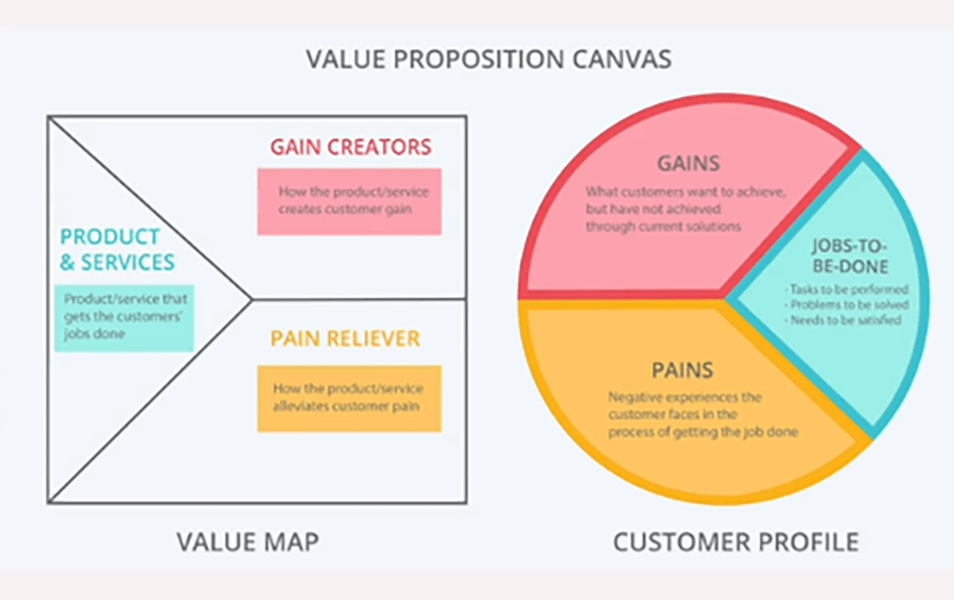
- Under Market Research section, Alec advised using a customer segment canvas.
- Under Product or Service, it is crucial to think about the lifespan of your product/service, with any yearly memberships for renewals.
Student led peer review session (Weeks 1 & 2):
Feedback from Alec:
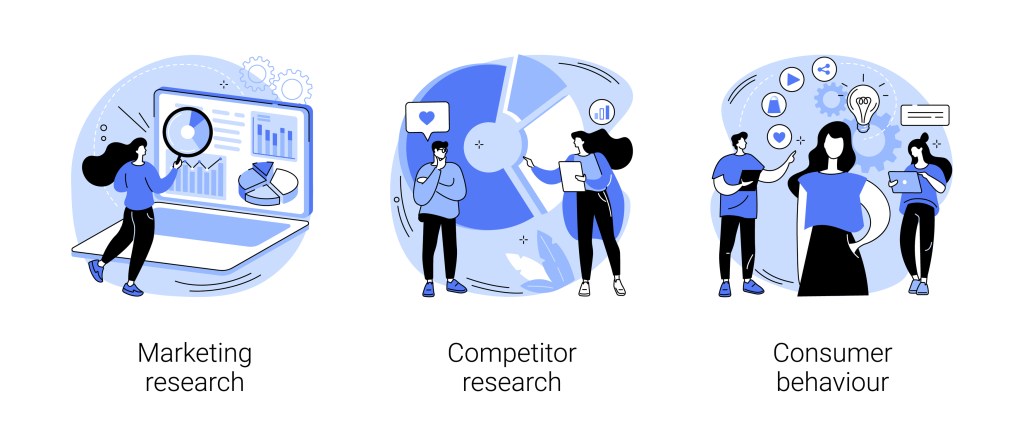
– Think of how your product might stand out from the competition (do tons of research)
– Think of a sustainable business module for the long term
– Think of how to start the project in terms of customer acquisition
Week 3
Supervisor led group critique session – PROJECT DRAFT:
Important notes to consider:
- What makes my project unique? Main USP
- How do people collaborate/communicate in different cultural contexts?
- What are the latest developments in this area globally? Consider design + context of use
- Provide 3-5 research examples/industry practitioners linked to your project theme
Feedback provided from group (tutor & peers):
- What are the differences in cultural approaches in workflows globally?
- Analysis of what could be developed further.
- Involve people at all stages to get feedback about the current problems (ME vs. Global)
- Check Course Hub for global lecture theories (i.e. HATO)
- Focus on research
 Omar Mal